Smarter Streaming
As streaming libraries grow, viewers increasingly search by remembering moments, scenes, or visual details rather than exact titles. This project explores how AI-driven search experiences can support natural discovery through Smart Search and frame-based exploration in OTT platforms.

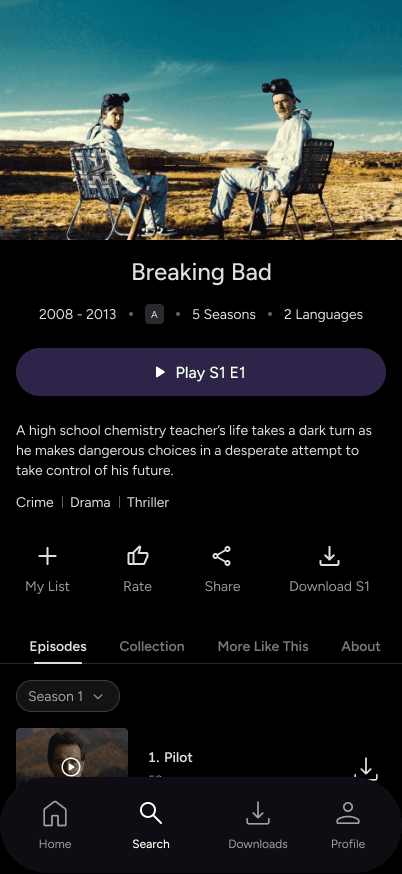
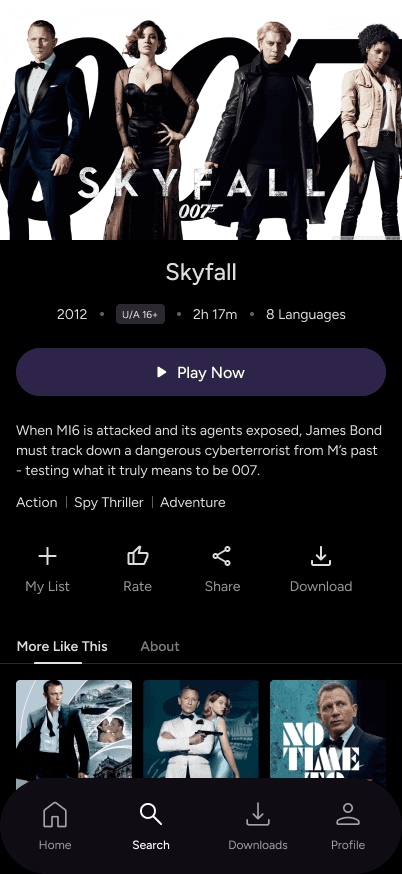
From search to discovery
Traditional search feels like a rigid filing system; if you don't recall the exact title or actor, you're stuck. It fails to bridge the gap between a vivid memory of a scene and the actual movie
Searching Like We Remember: Search should speak the viewer’s language, prioritizing how we actually recall stories over how databases categorize them
The screen is currently a one-way street where spotting something you love leads to a dead end or a disruptive manual search
A Living, Interactive Frame: Turning every frame into a two-way conversation, allowing viewers to satisfy their curiosity instantly without ever breaking the story's flow
Design goals
Reduce search friction without disrupting viewing experience
Support discovery through natural language and visual thinking
Introduce AI without disrupting familiar OTT behaviors
Keep AI optional, explainable, and non-intrusive
Smart Search

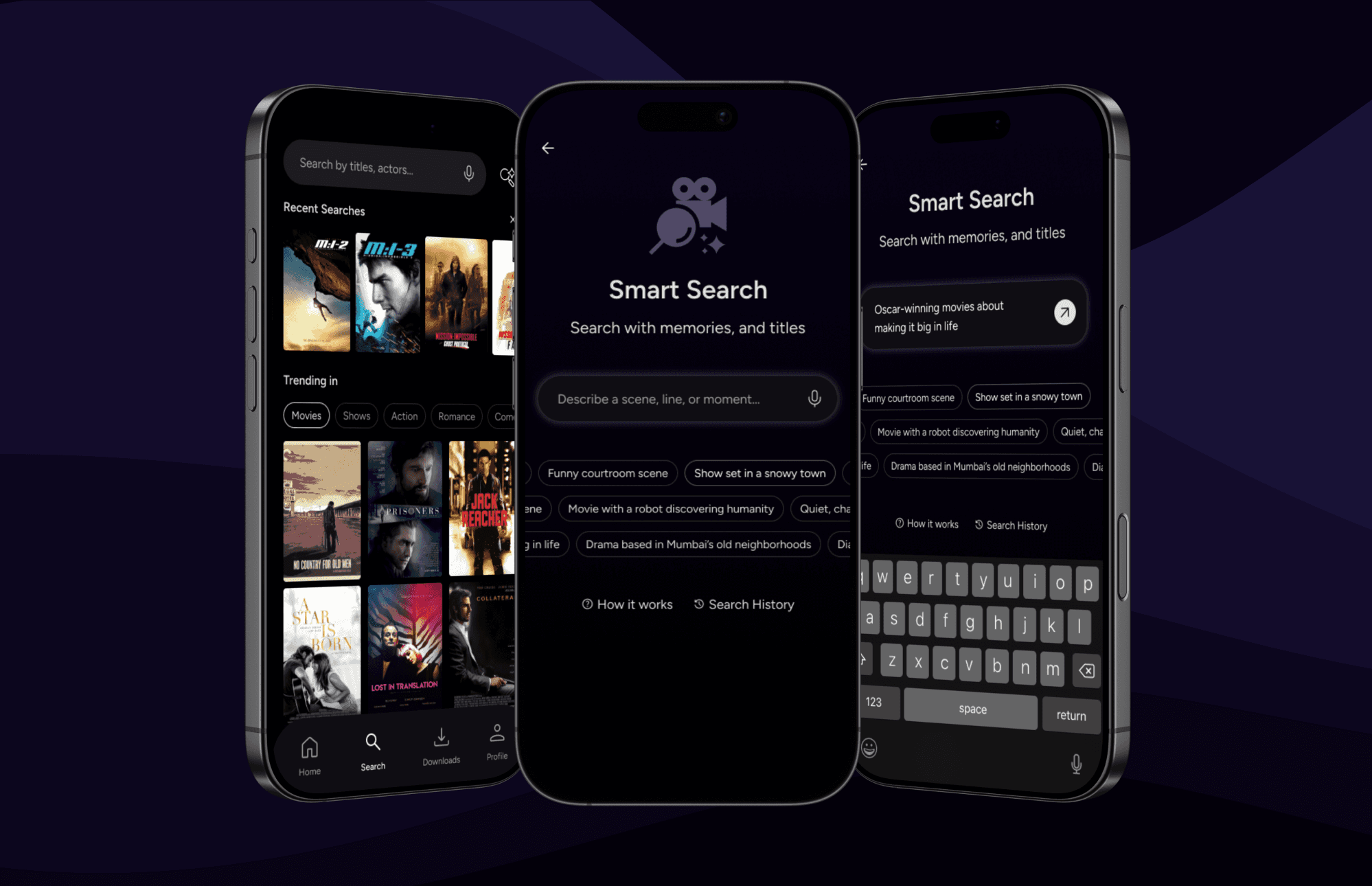
Understanding the flow
Search Input
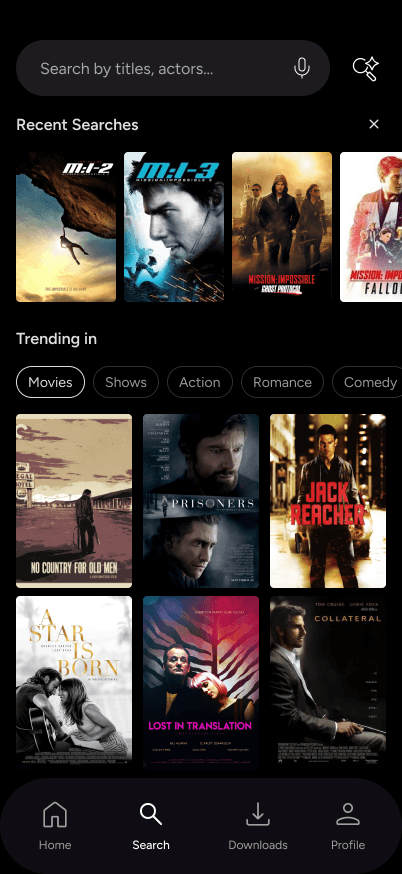
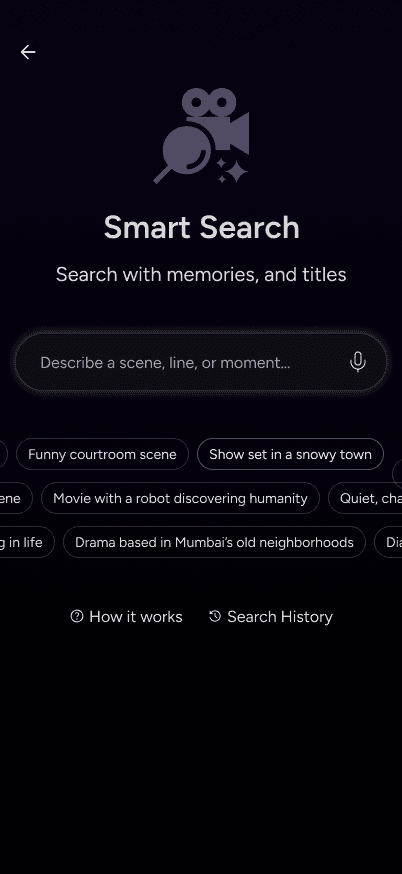
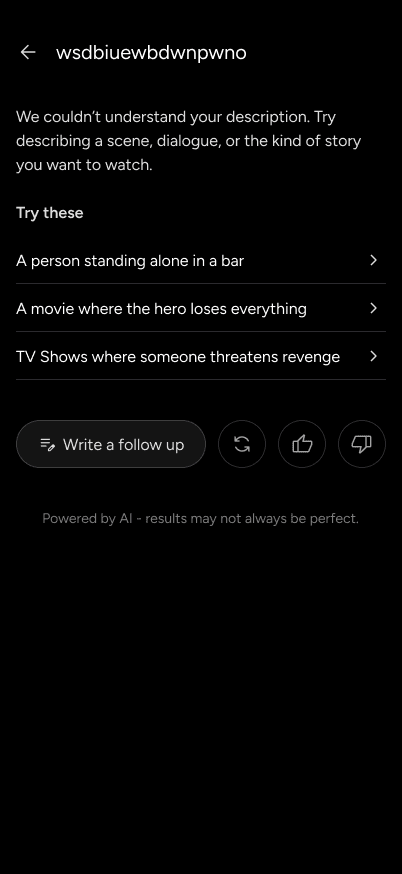
Search starts with whatever the viewer remembers, a scene, a line, or just an idea, through text or voice
Example inputs are shown upfront to help viewers understand how to search, not what to search
Search Results
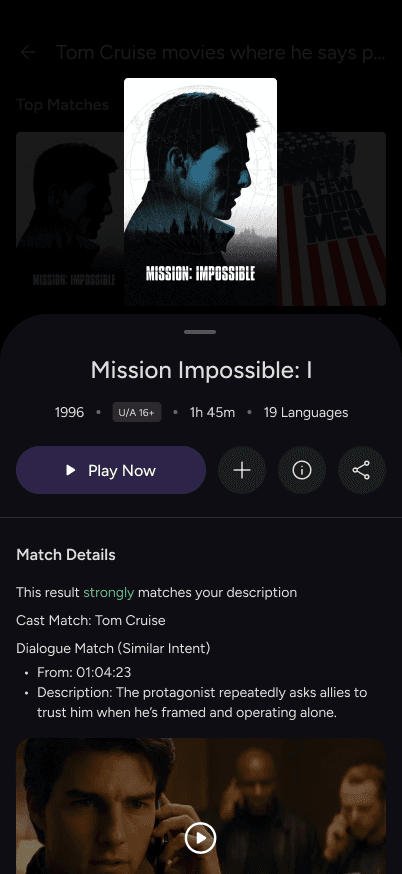
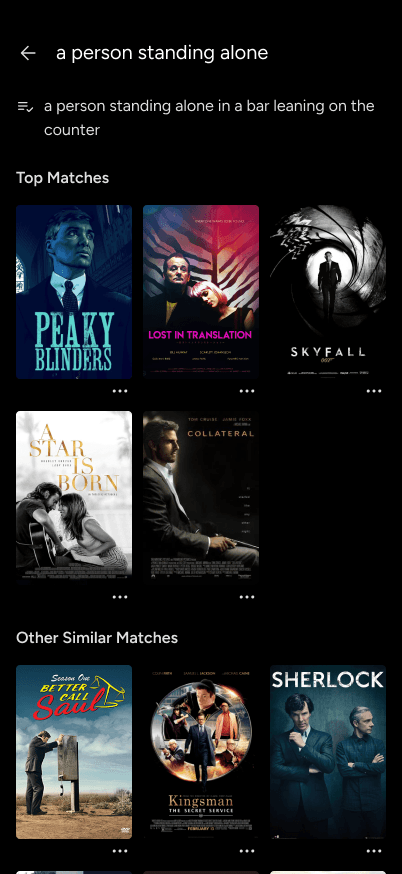
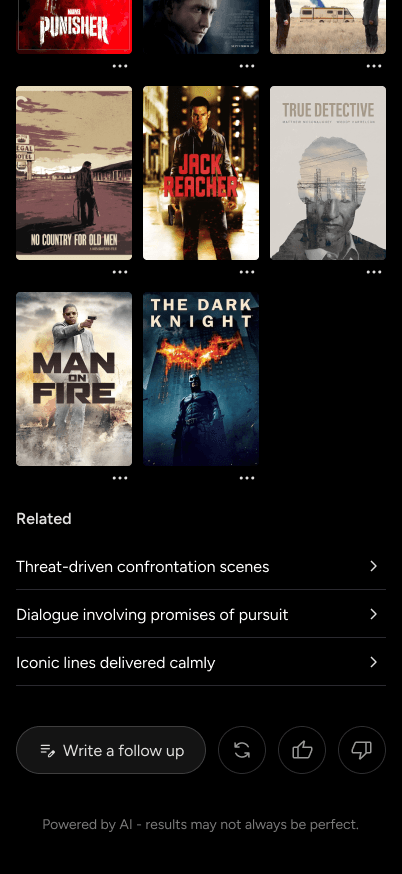
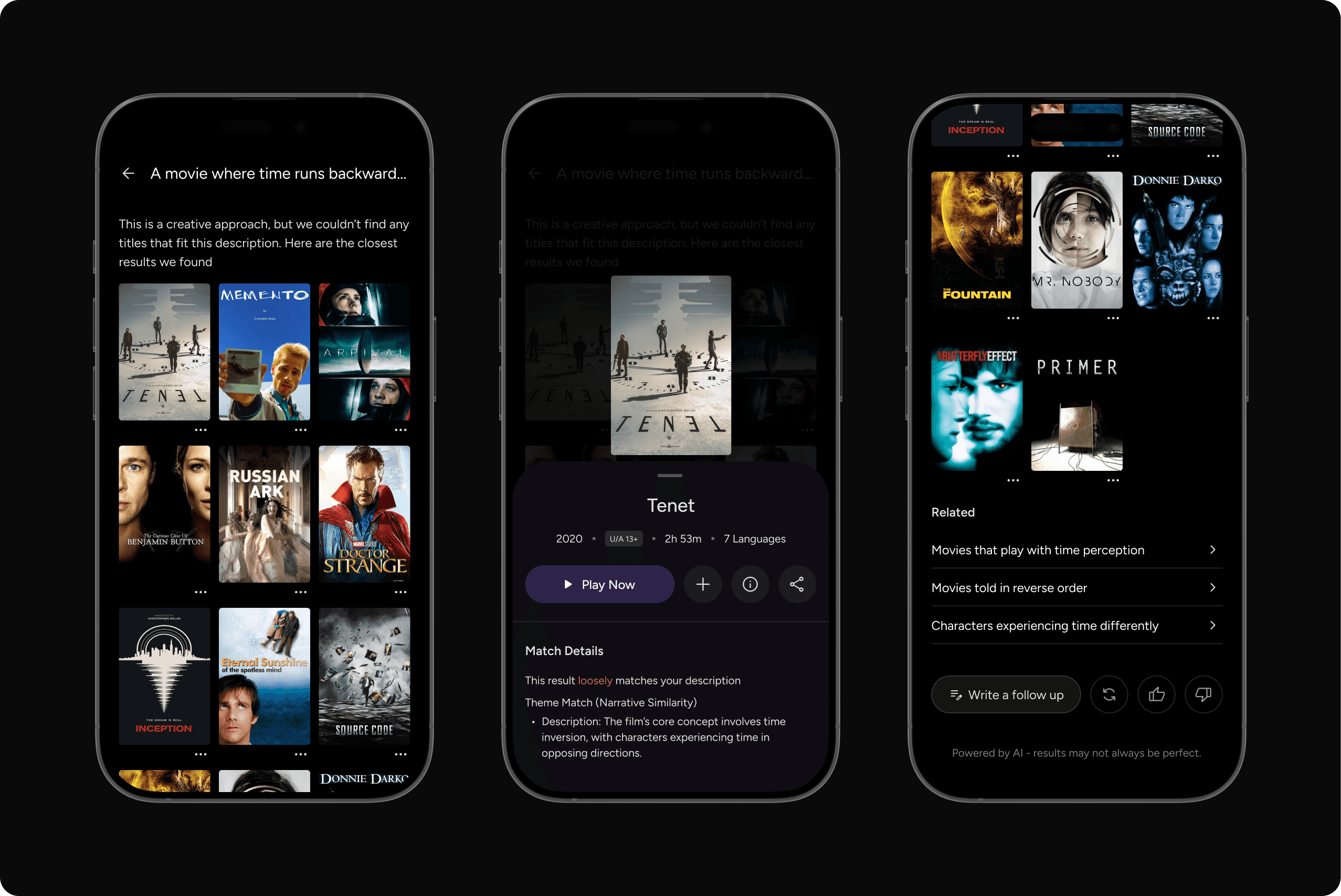
Results are grouped and ranked based on how closely they match the viewer’s input, from closest to more loosely related
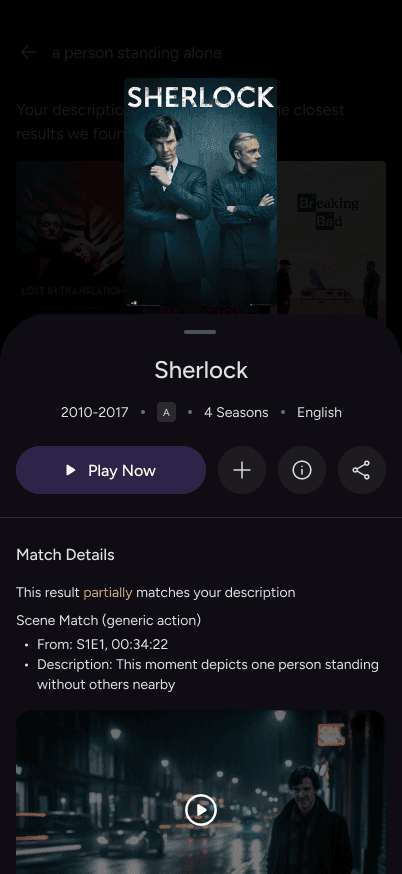
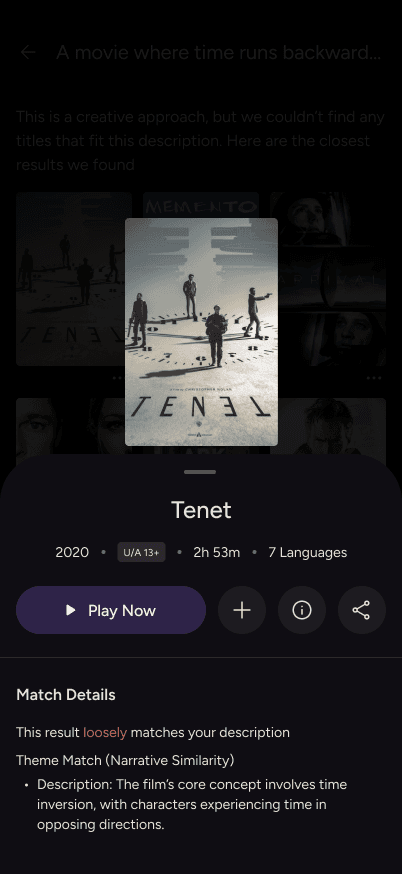
Each result explains why it appeared, with confidence cues to set clear expectations
Follow Up
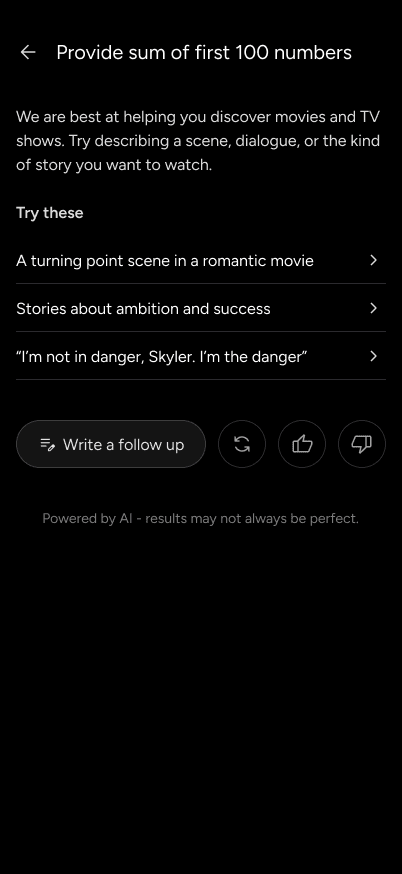
Follow-up suggestions appear only when they add clarity or help exploration
These suggestions build on the original input instead of replacing it, keeping the flow lightweight and familiar
To show how Smart Search works in practice, I mapped viewer inputs into six intent types, helping the system understand whether someone is browsing broadly, recalling a moment, or searching with specific cues.
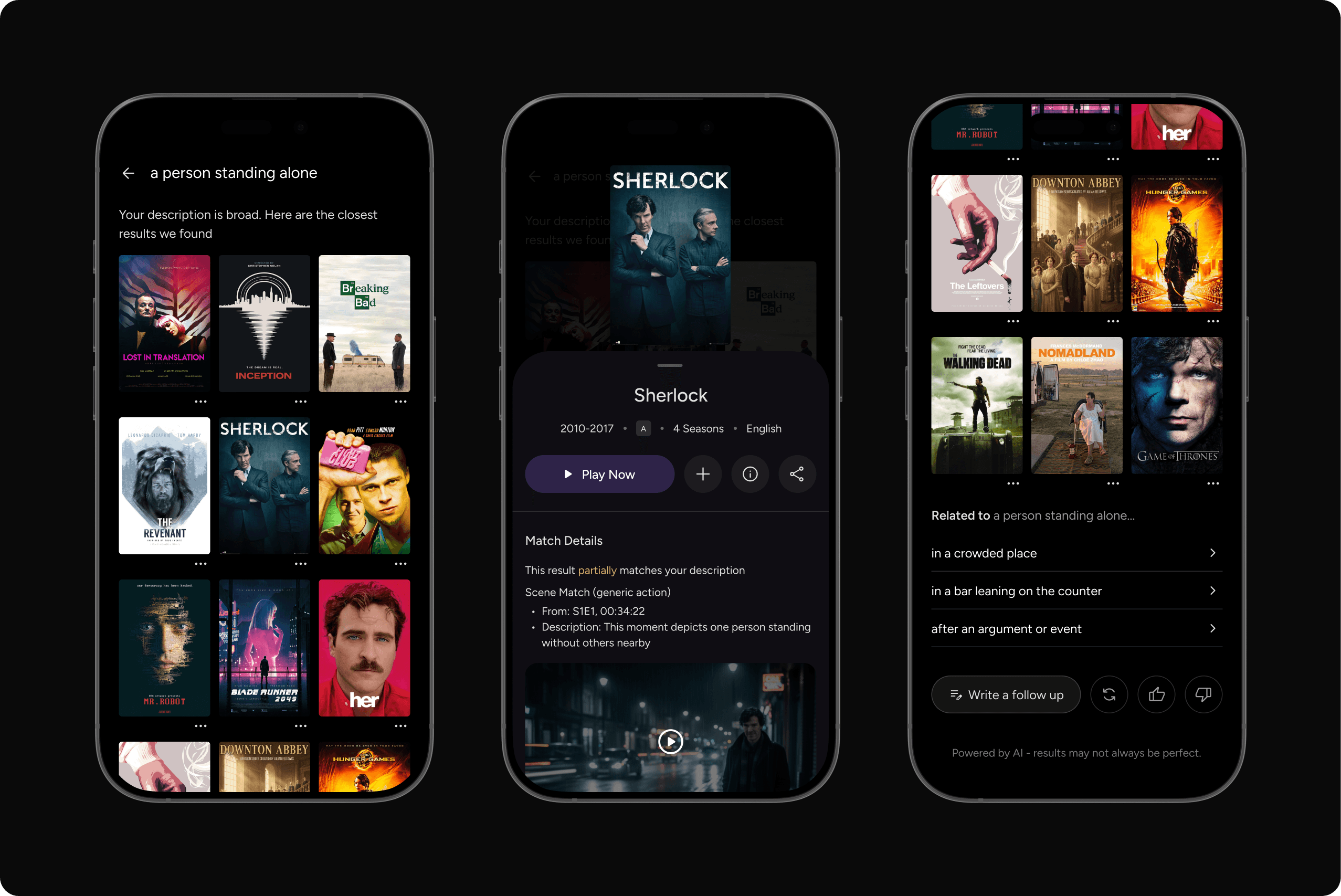
Generic Input
These are broad, low detail searches that express intent but lack specific context. They rely on the system to show a small set of top results first, then help viewers refine or explore
"A person standing alone"
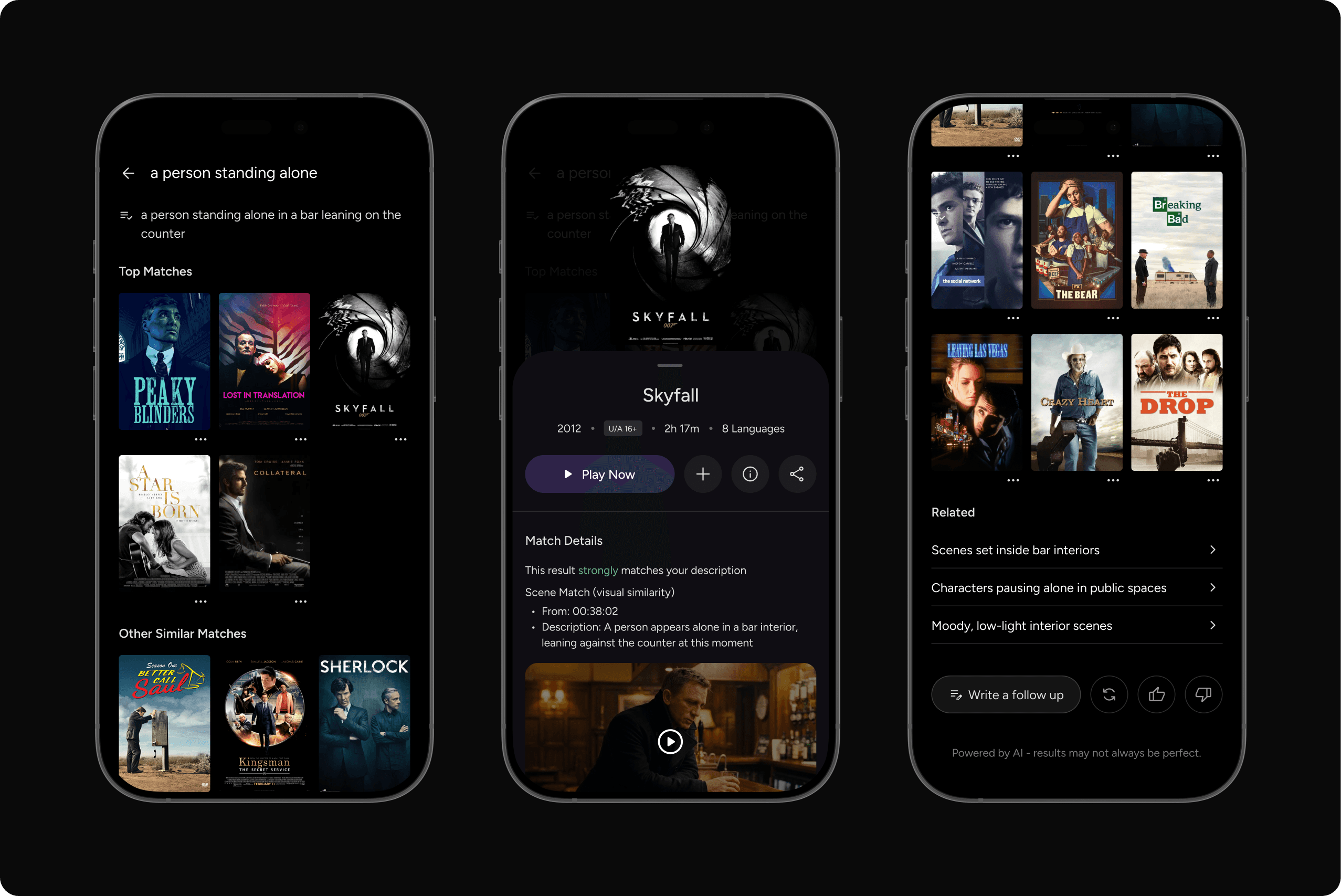
Specific Visual Input
These are detailed recall inputs that describe distinct visual elements instead of facts or story themes. They help the system surface the closest scene matches with higher confidence
"A person standing alone in a bar leaning on the counter"
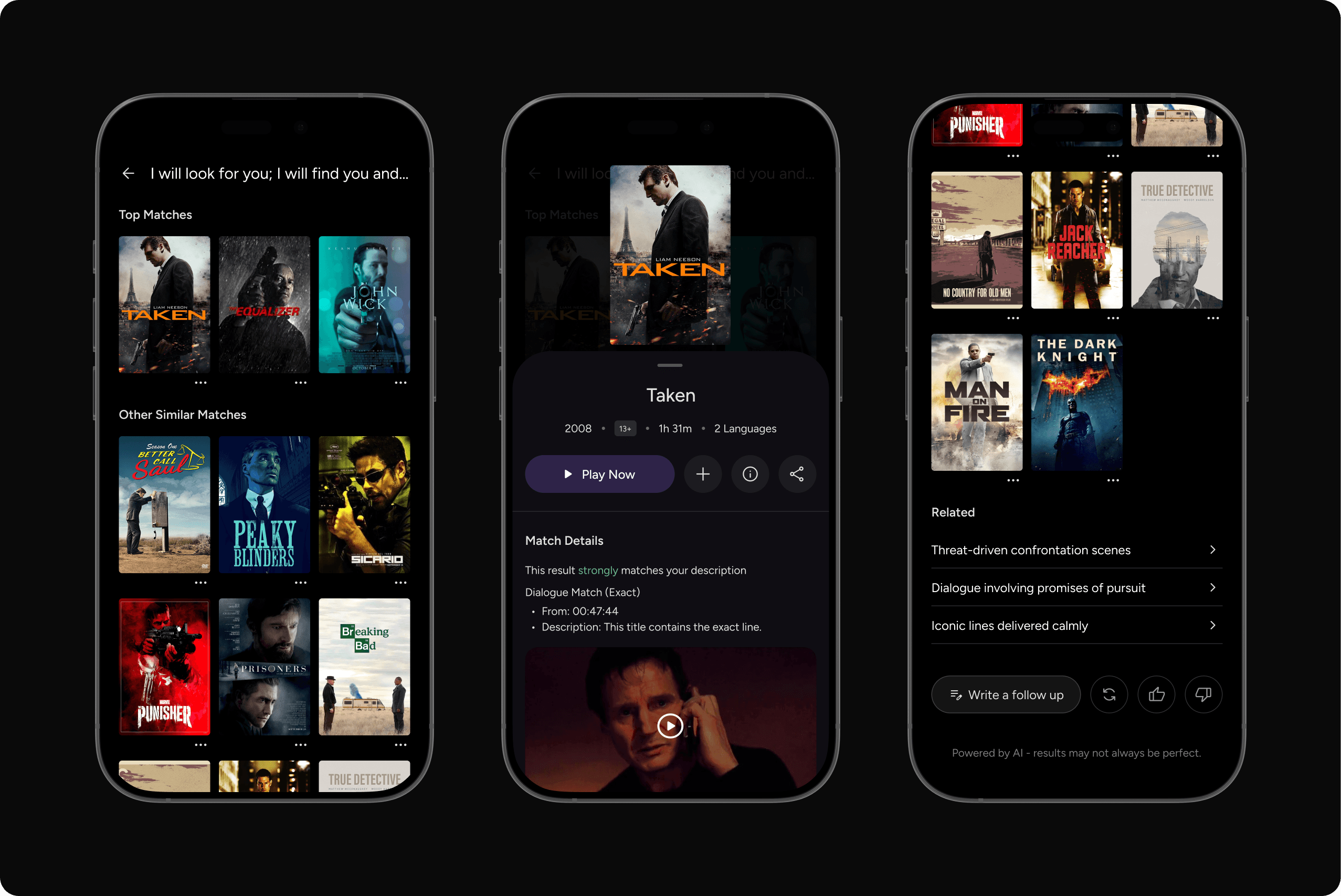
Dialogue Based Input
These are recall inputs where viewers search using memorable lines or spoken intent instead of titles
"I will look for you; I will find you and I will kill you"
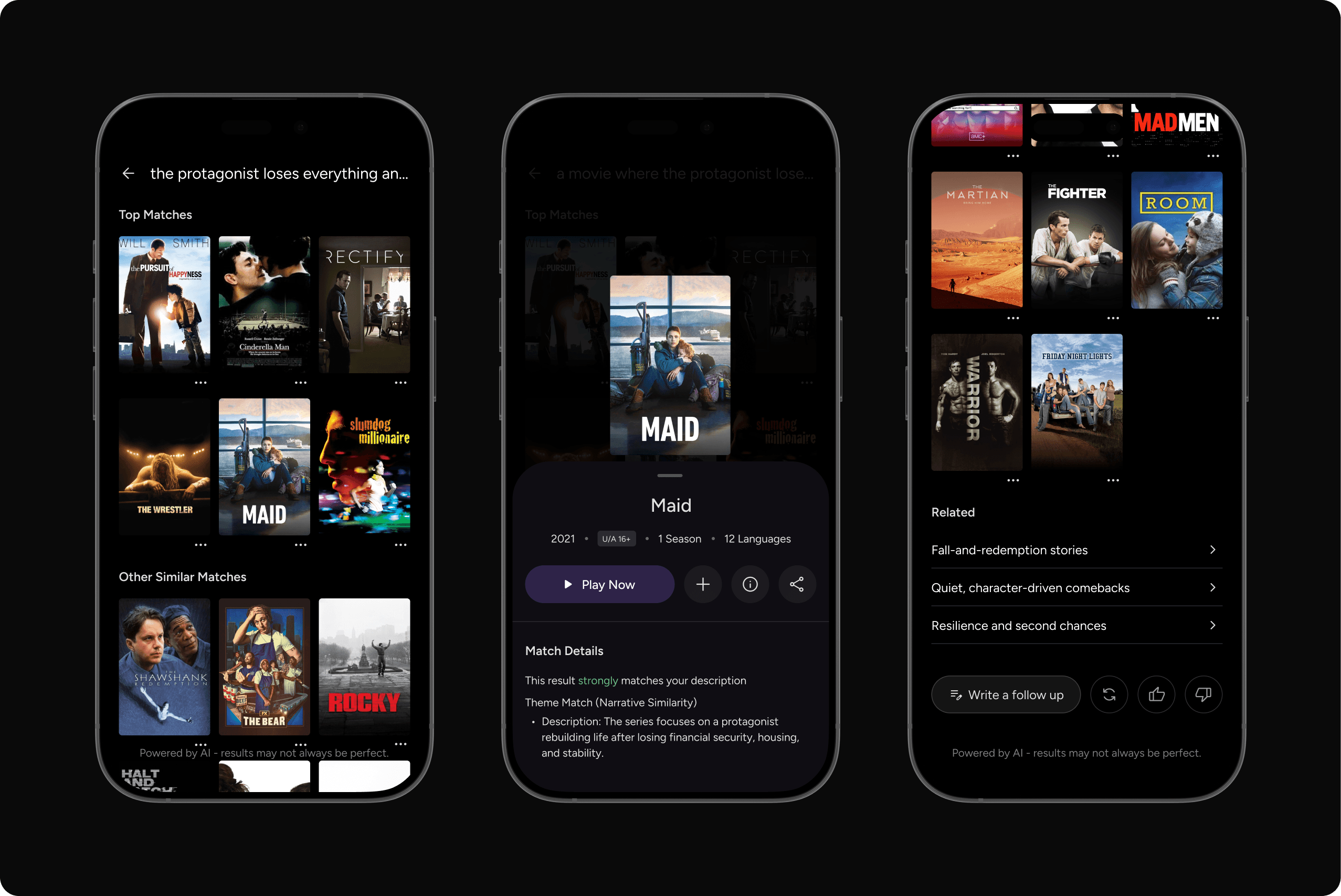
Theme/Mood Based Input
These are abstract discovery inputs that express a story’s core idea or emotional tone. Results are grouped by how strongly they match the theme, then ranked by tone and relevance
"The protagonist loses everything and rebuilds"
Metadata Based Input
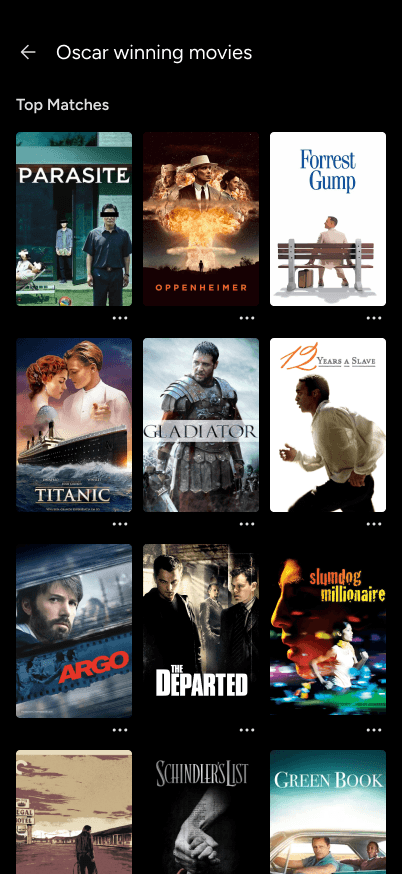
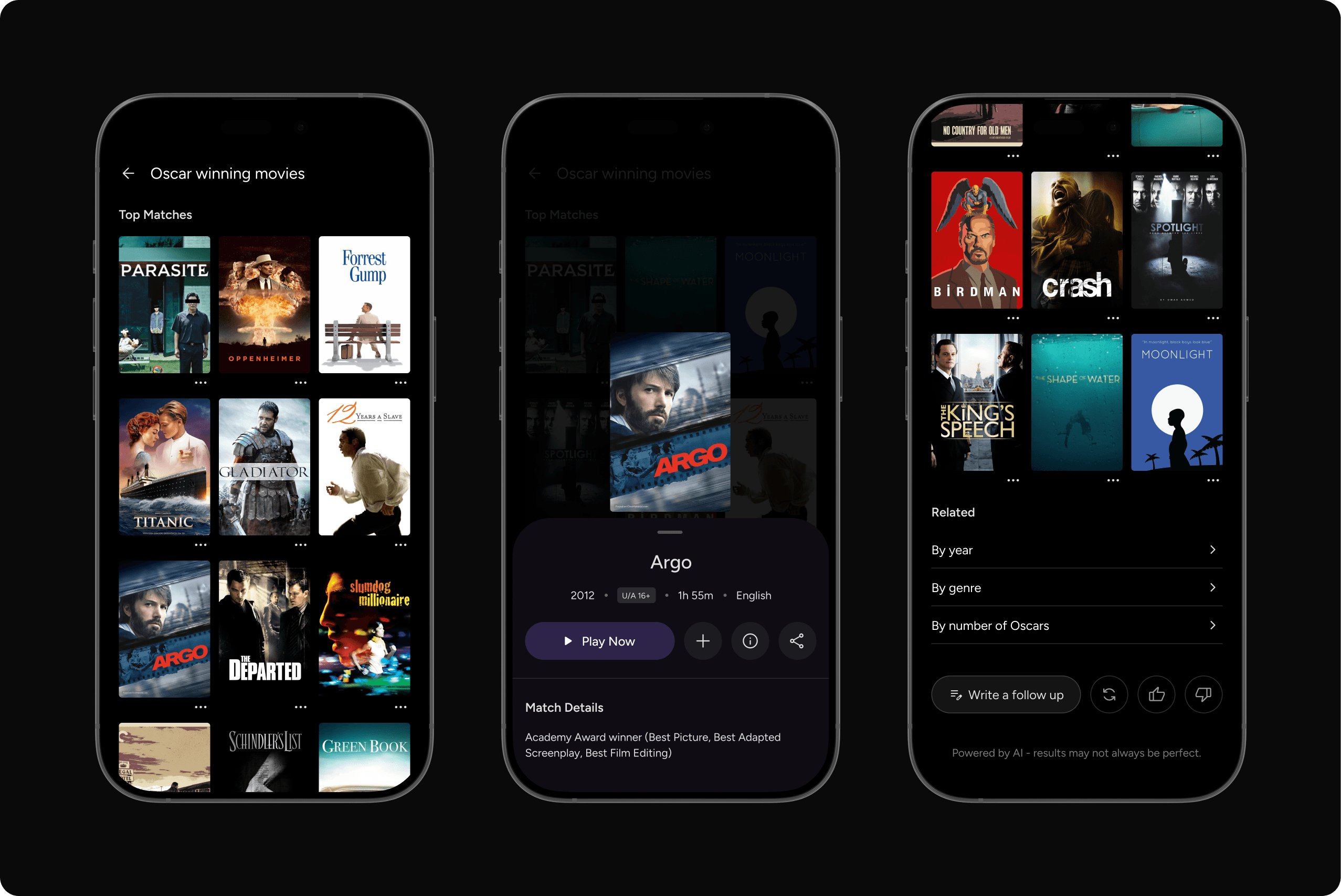
These are factual searches based on known attributes like actors, awards, year, language, or genre. Results start with factual data and ranking shifts only when intent is clear
"Oscar winning movies"
Hybrid Input
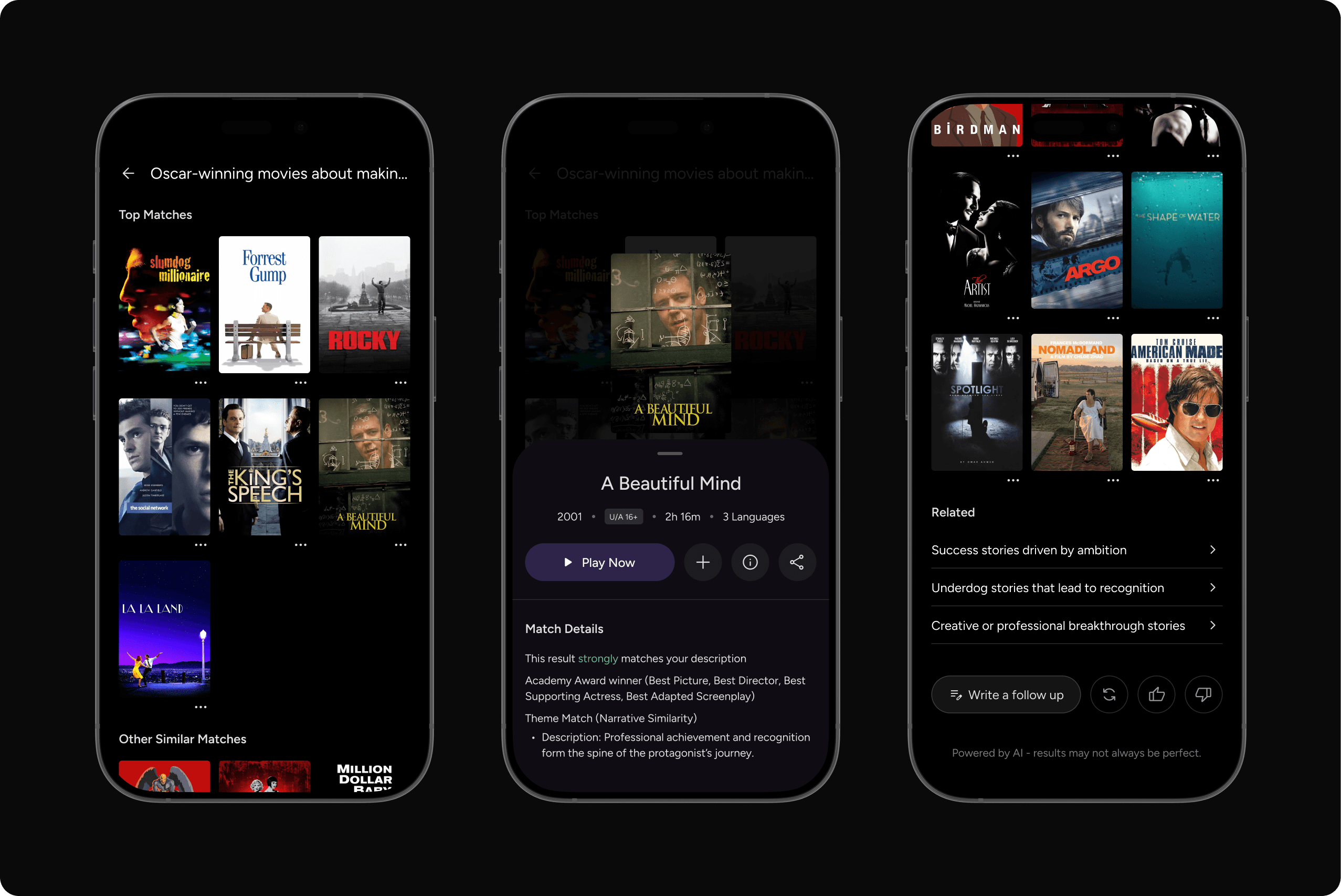
These combine two or more inputs in one search. Results are ranked by the strongest clear input first
"Oscar-winning movies about making it big in life"
Other possible Inputs
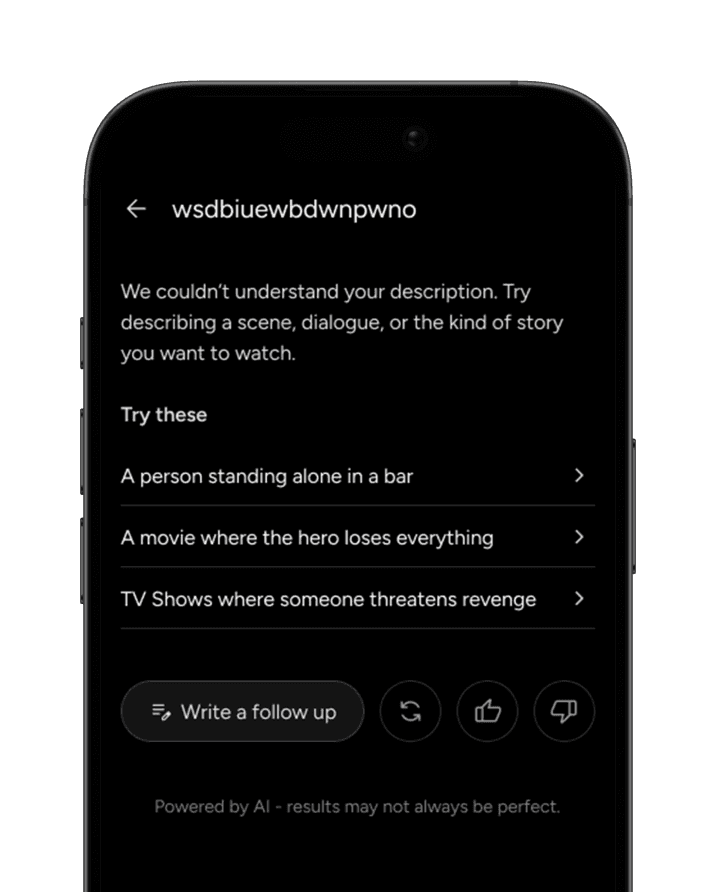
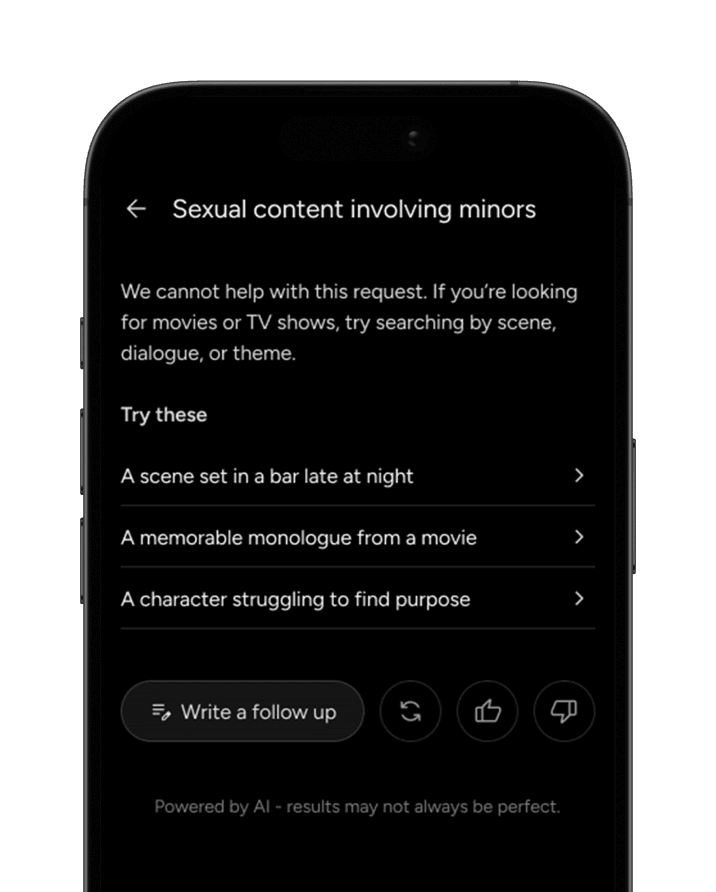
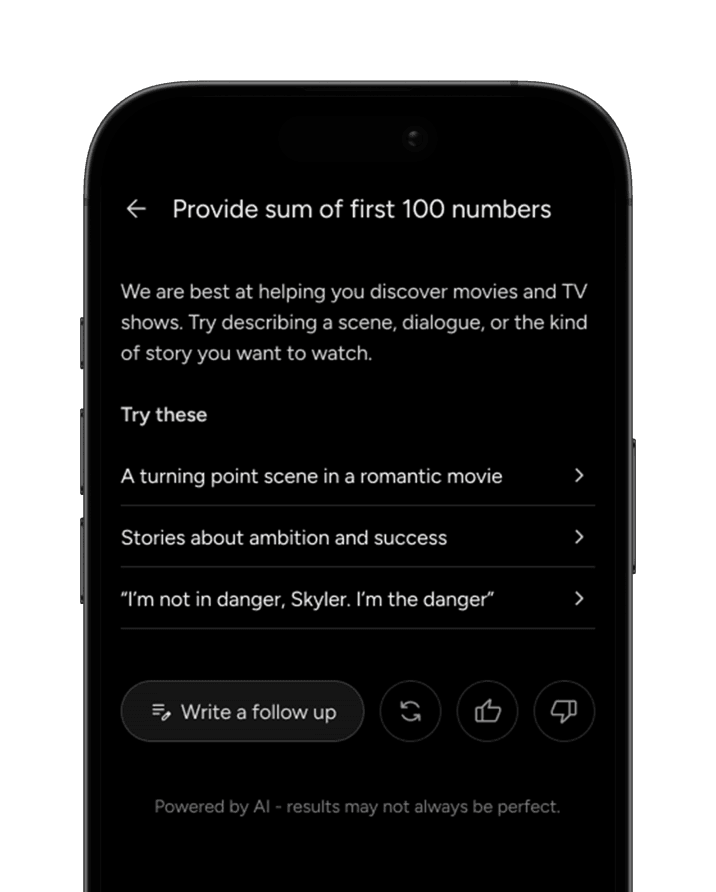
Searching a vivid idea that may not exist in a real movie or show. Results lean on closest conceptual parallels
"A movie where time runs backward while the character walks forward"
Real-world impact
We’ve all spent thirty minutes scrolling through menus only to give up; Smart Search fixes this by letting you find a movie based on a feeling, a half-remembered line of dialogue, or a visual description
By cutting out the "choice paralysis" that ruins movie nights, platforms keep us happy and engaged, ensuring that even the most hidden gems in their library get the spotlight they deserve
Scan The Frame

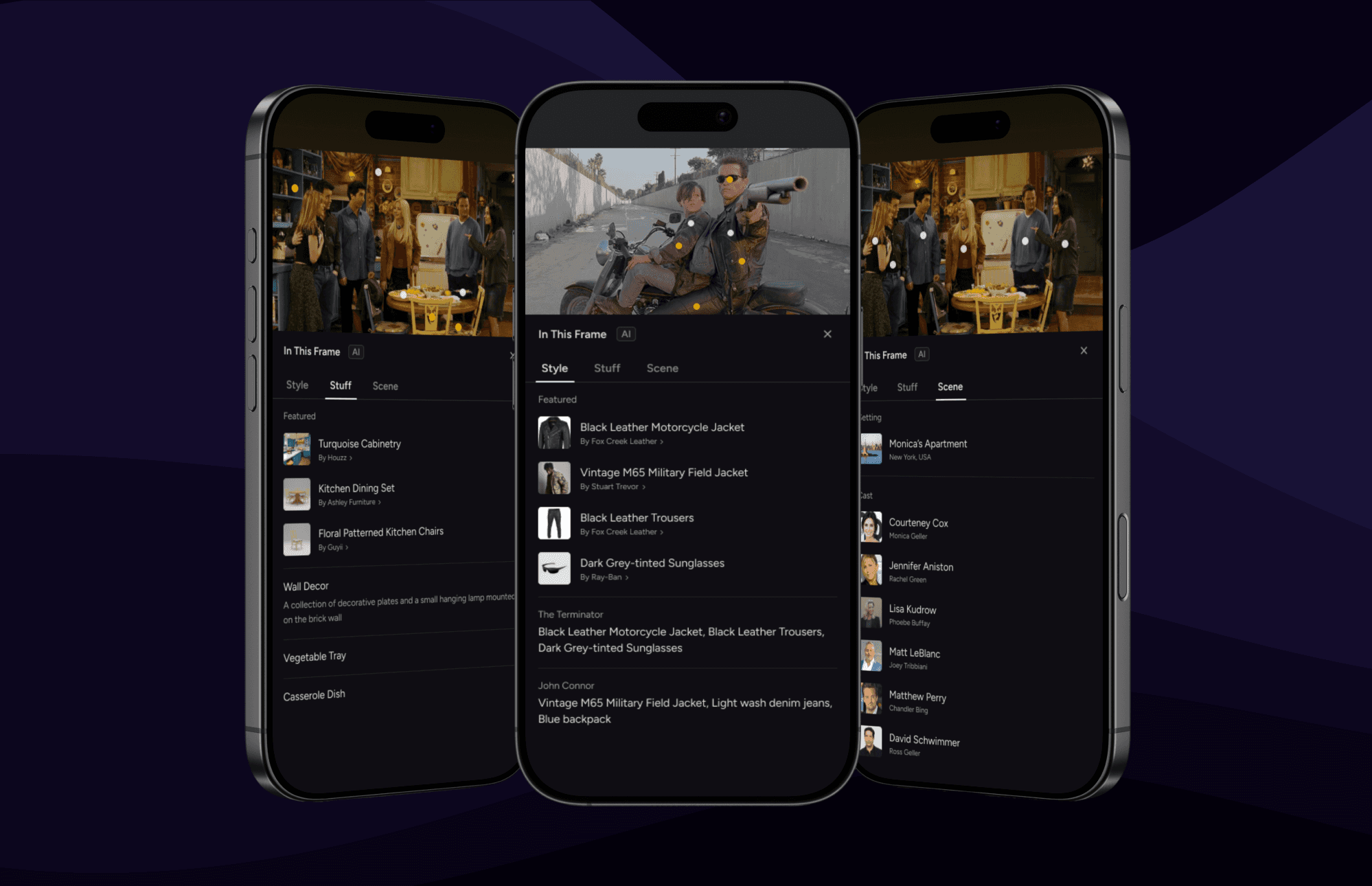
Understanding scanned information
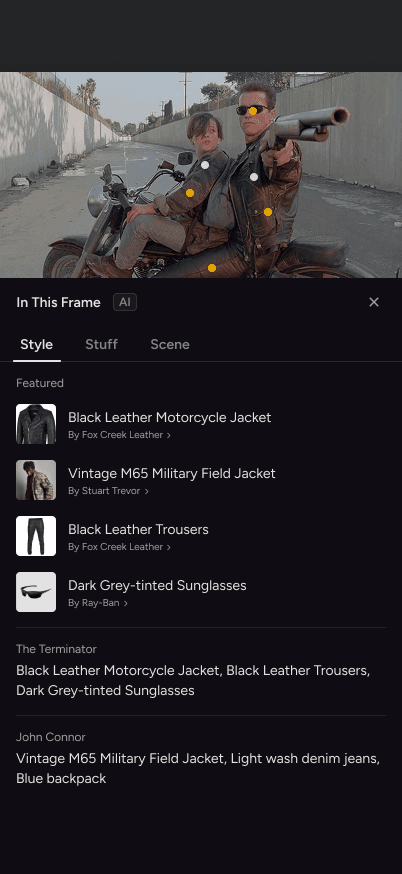
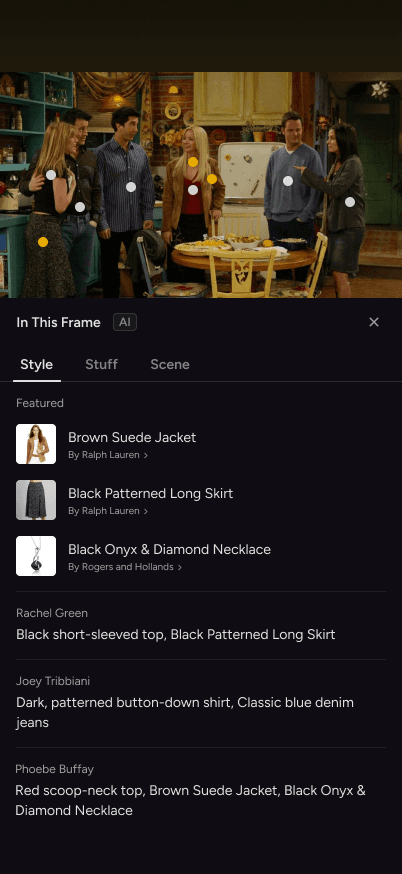
In this interface, cognitive load is high because a single frame can contain dozens of information. That's why, results are categorized into Scene, Style and Stuff to make sure viewers always know exactly where to look
Style
The character’s Look
Categorized into Featured - Displays specific garments or accessories that have brand affiliations or paid placements, and Outfits and Accessories for every character
Stuff
The objects in the scene
Categorized into Featured - High-priority display for sponsored items, such as specific vehicles or tech gadgets with brand partnerships, and rest of the items found in the frame
Non-featured results are sorted by how distinctly visible they are, ensuring the most prominent items appear first
Scene
The 'who' and 'where'
Categorized into Cast - Identifies the actors and the characters they are playing in that moment, and Setting - Provides the location, giving geographical or narrative context to the action
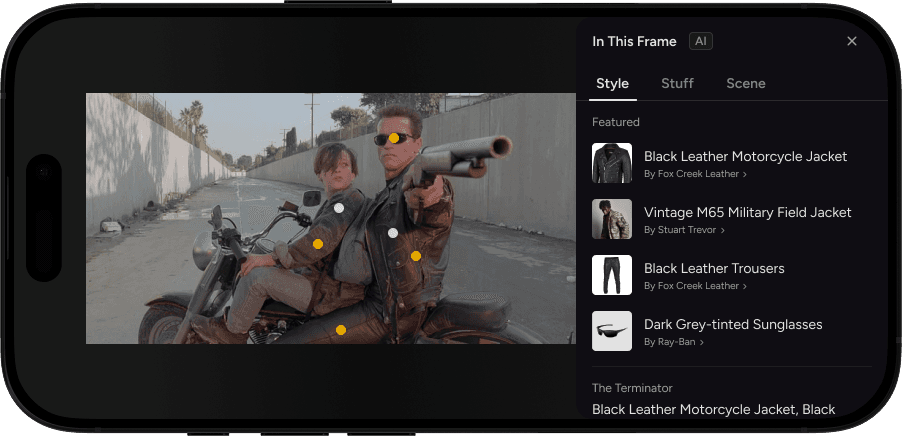
Style - Featured & Outfits and Accessories
To ensure a secure and ethical experience, the system automatically filters out sensitive items like personally identifiable information, hate symbols, and explicit imagery. It also restricts the display of content involving self-harm, medical gore, or instructional data on dangerous objects to protect viewers and prevent real-world harm
Real-world impact
When you see a stunning dress or a cool gadget in a scene, Scan The Frame bridges the gap between "I want that" and "I own that"
This turns every frame into an interactive storefront, allowing brands to connect with us through the things we already love, without annoying commercial breaks, and creating a whole new way for platforms to grow beyond just monthly subscription fees